01 · Design
Design without standardising.
Combine outcomes, sequences, resources, quizzes, live activities and immersive blocks while your team retains control of intent, order and validation.
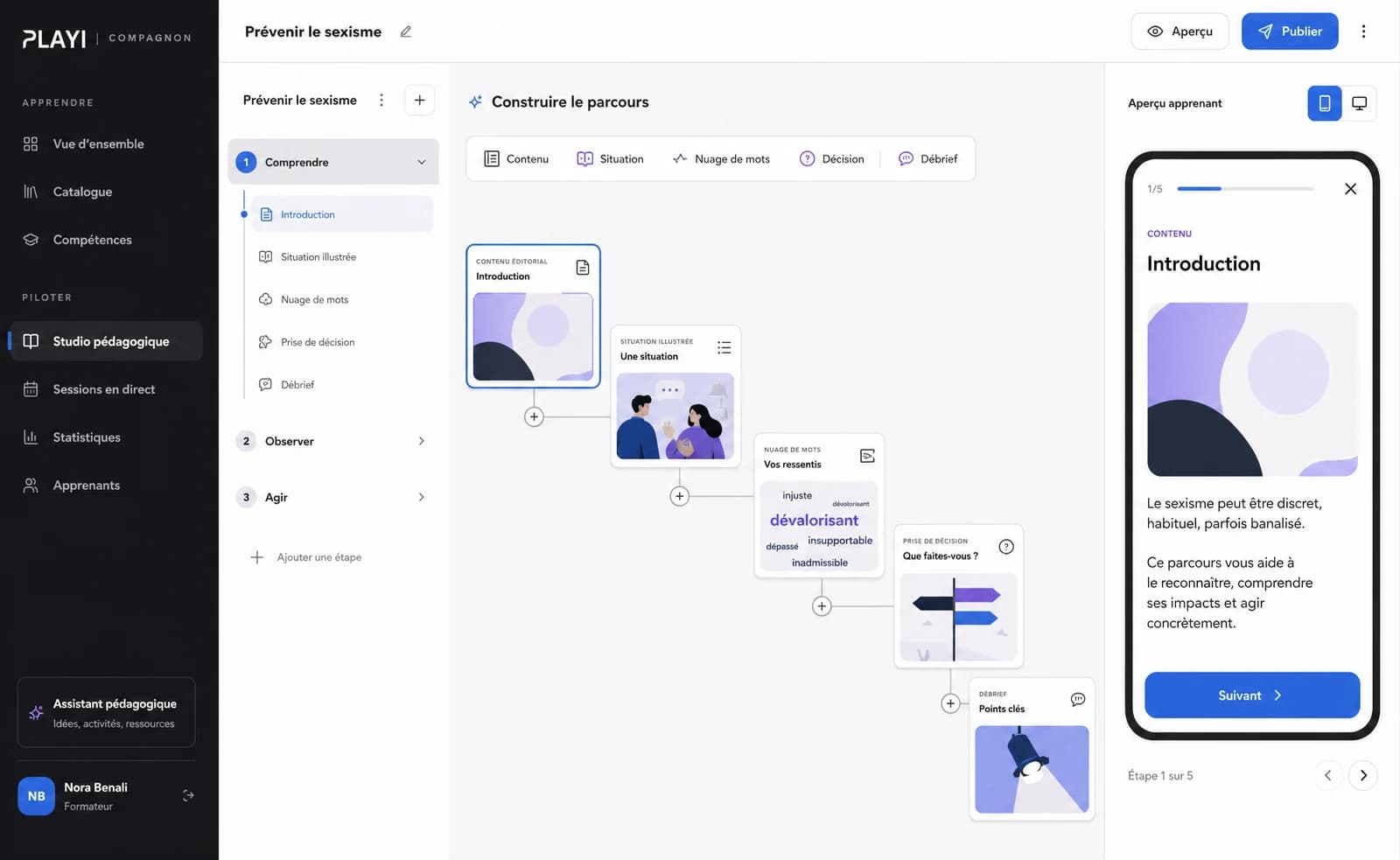
Compagnon brings learning journeys, live facilitation, web and XR experiences, field control and Learning Analytics into one platform.
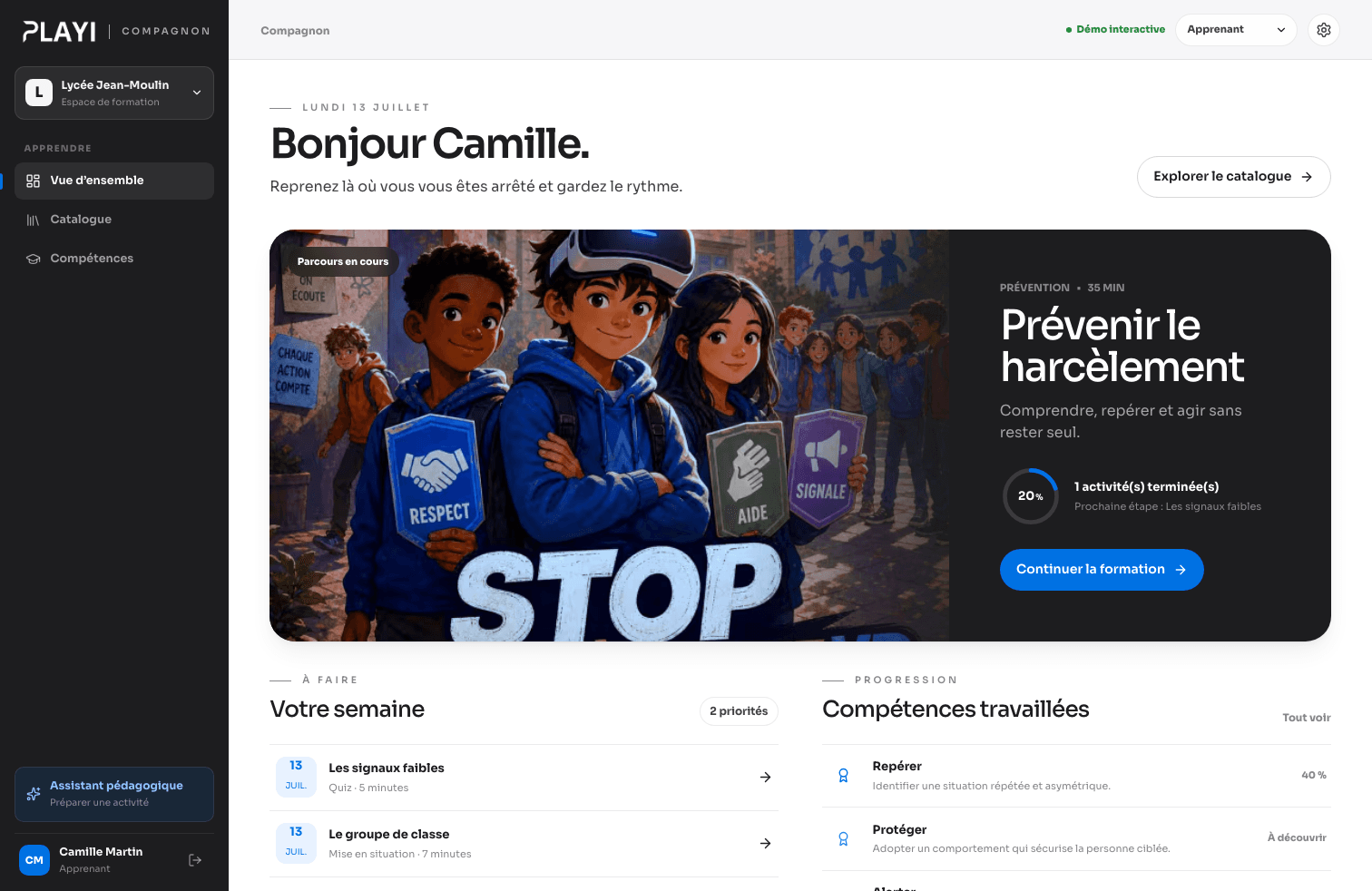
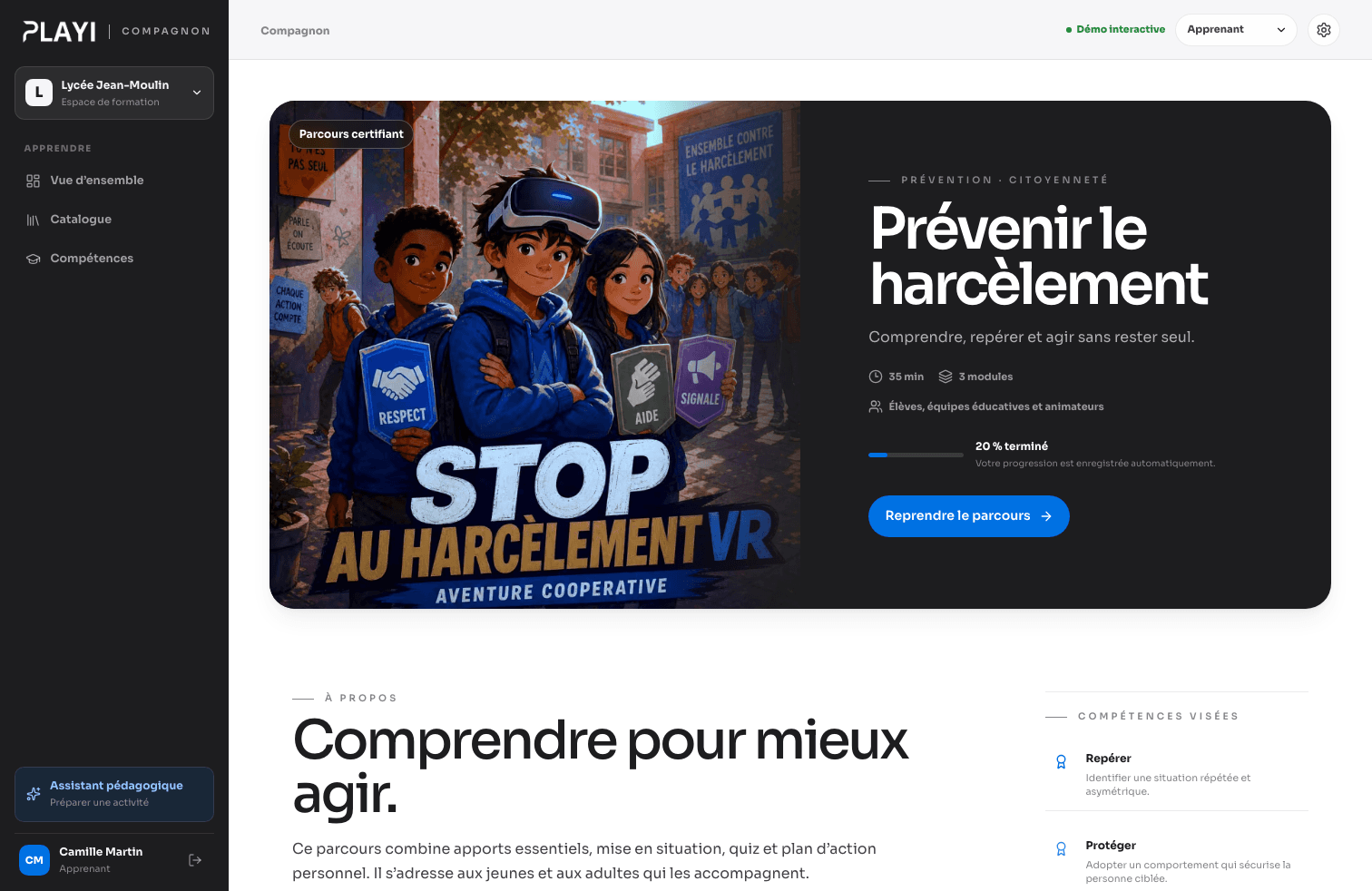
Design, engage, orchestrate, measure and improve: every step stays connected to the same learning outcome.
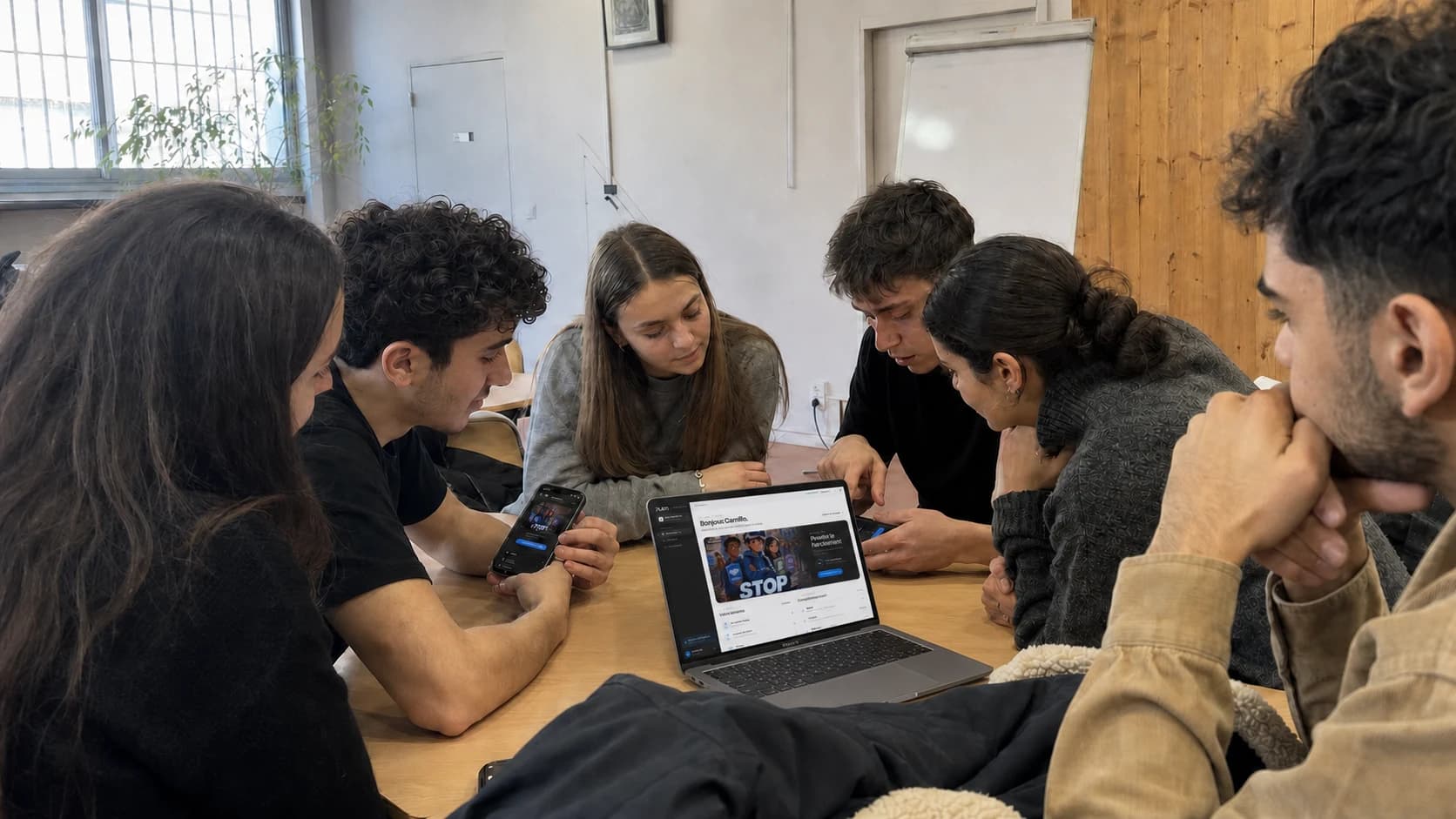
From a computer or smartphone, everyone gets the right level of action: prepare, join, answer, facilitate or monitor.
Compagnon being used by a real group in the field.
These views build on Compagnon’s interface and real uses. Each one highlights a precise learning action.
Combine outcomes, sequences, resources, quizzes, live activities and immersive blocks while your team retains control of intent, order and validation.
Content is not stacked. It becomes a sequence of steps, decisions, group moments and situations learners can understand.
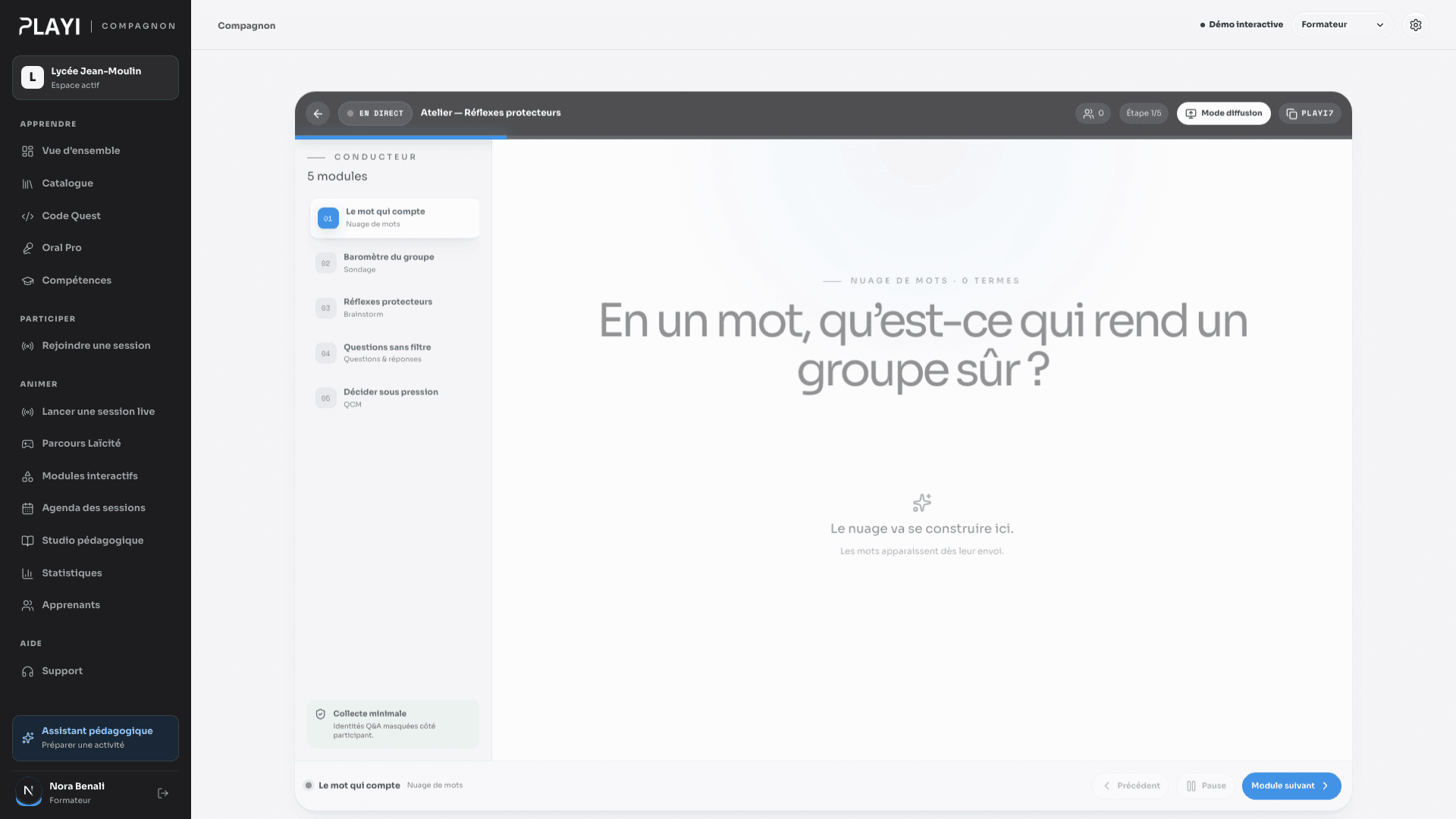
Launch a session, share a code or QR, broadcast the prompt, follow responses and control the pace from the facilitator console.
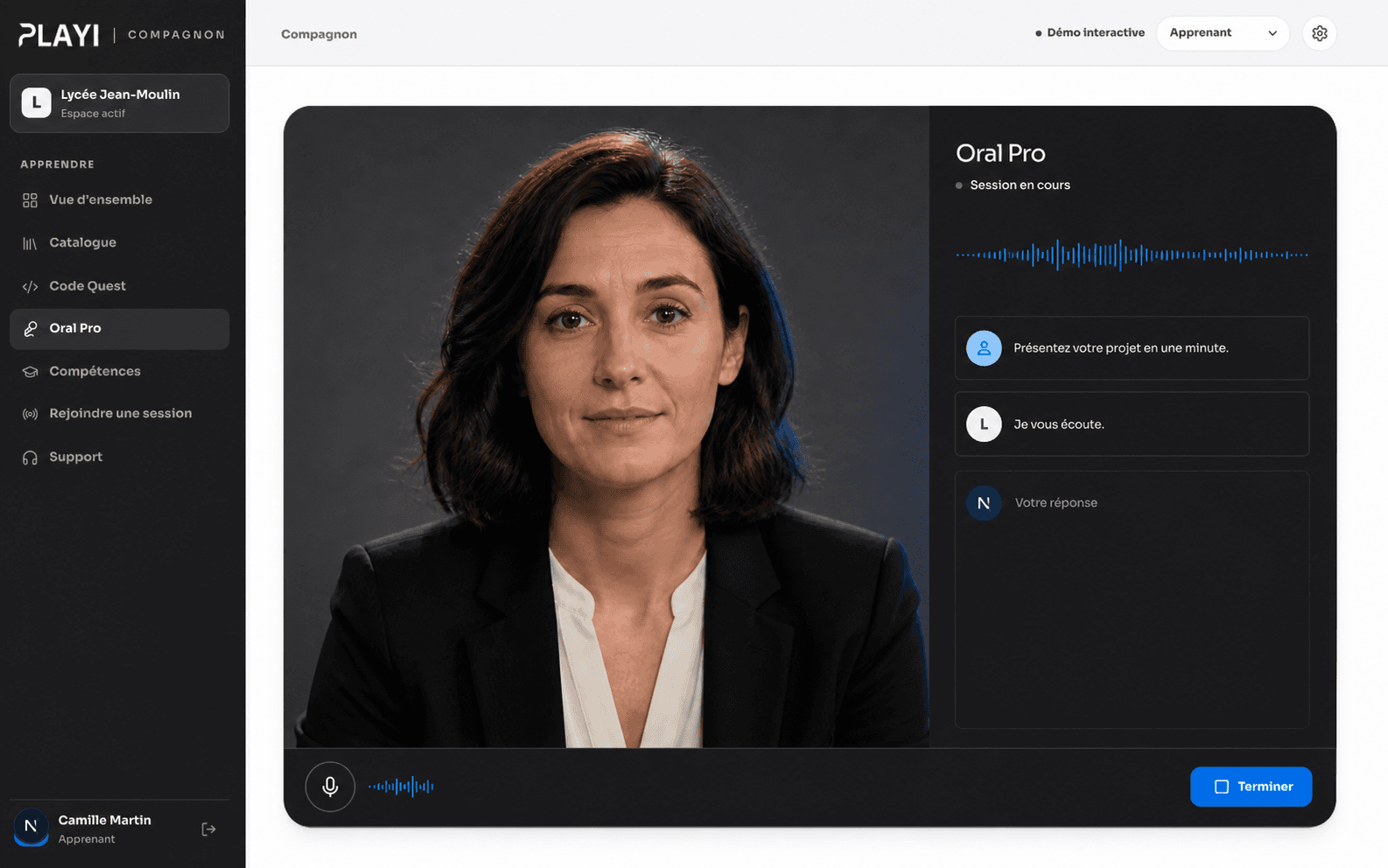
Prepare for an interview or workplace situation, talk to a simulated interlocutor, then review strengths and areas for progress.
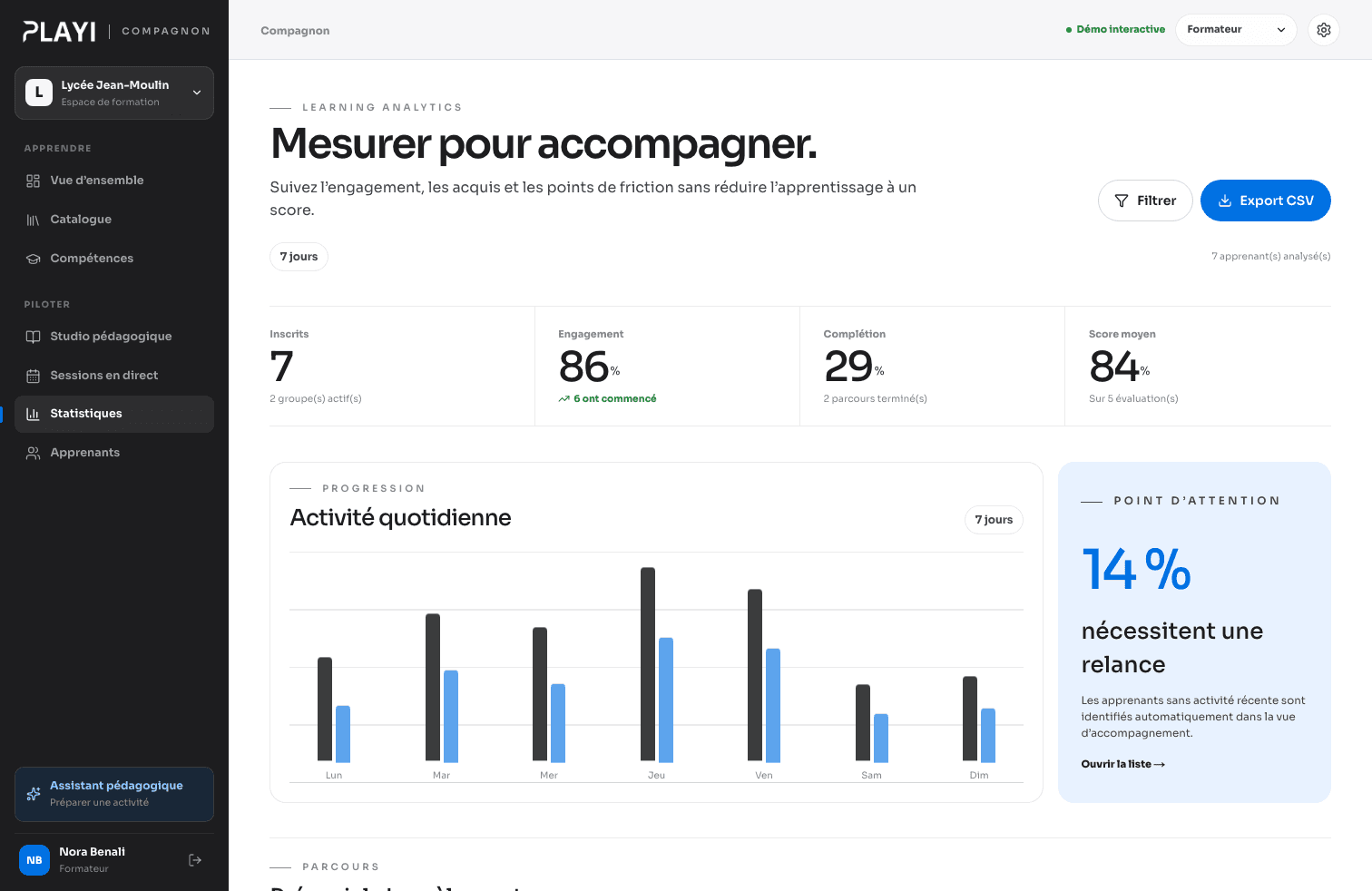
Progress, completion, responses, skills and session activity become useful to trainers and programme owners.
The examples below illustrate just a few possible directions. Every experience is designed around its subject, audience and learning outcome — its world, interactions and progression can be entirely different.
Learners observe the wetland, follow tracks and identify species without disturbing them. Each clue opens the next area; accuracy, discretion and observed diversity build a biodiversity score.
Follow the signs of life.

Every fan component must be diagnosed, then cleaned, repaired, reused or recycled. Each decision changes its lifespan index and instantly reveals the material and carbon saved.
Repair instead of replace.

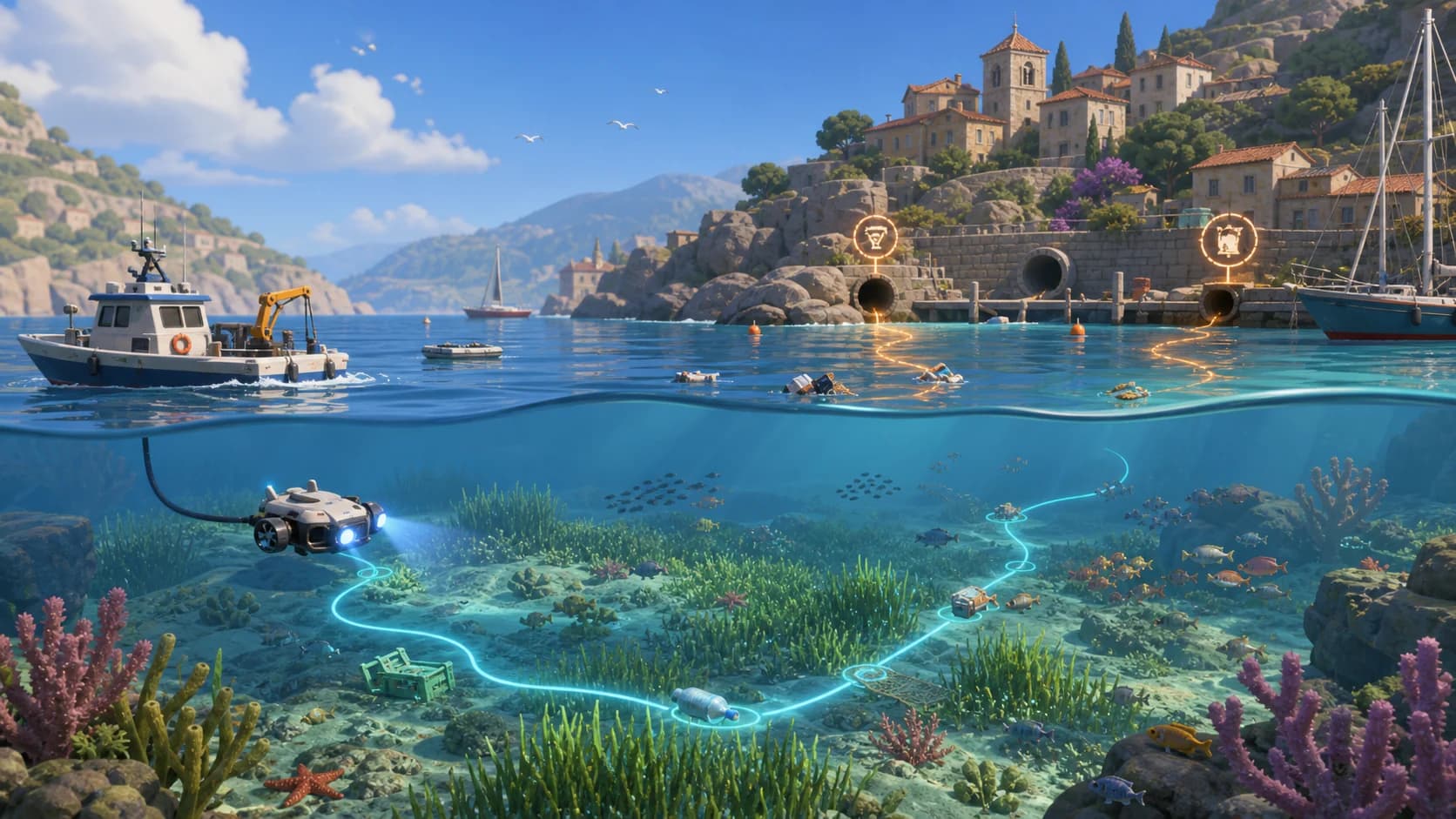
A drone follows waste to its origin while protecting seagrass beds. Accurate mapping unlocks new sectors; the score combines pollution removed, sources neutralised and habitats preserved.
Trace it back to the source.
The group creates a meal from products nearing their use-by date. Recipes, portions and storage create combos; feedback rewards avoided waste, balanced menus and cooperation.
Turn surplus into a meal.

Participants join from their phones. The facilitator prepares, launches, broadcasts and follows the session without losing the group’s thread.
 |Compagnon
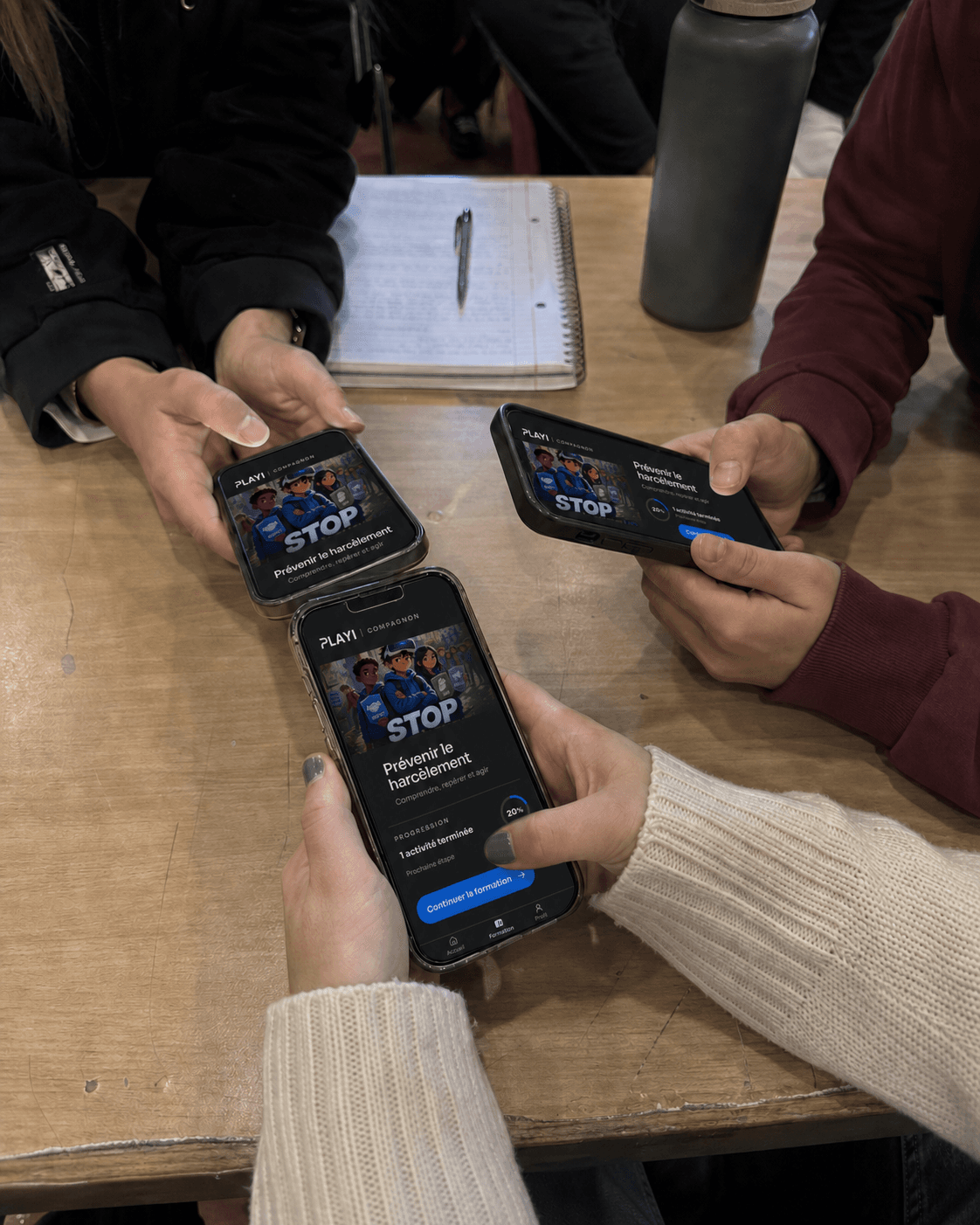
Each participant answers from their phone. The group sees the discussion take shape in real time.
A clear journey, concrete activities and visible progress.
A studio to structure, contextualise and reuse learning blocks.
A clear console to prepare, launch and guide the group.
Understandable results to monitor, report and improve the programme.
Compagnon accelerates production and analysis without removing learning responsibility. Outcomes, sequences, validation and distribution rules remain under human control.
Privacy by default and data limited to useful events.
No voice, passthrough image or body data collected by default.
Field continuity designed for situations where internet access is not guaranteed.
One demonstration is enough to see how Compagnon connects design, participation, immersion, control and outcomes.
Solutions